An error occurred on the server when processing the URL. Please contact the system administrator. -- 20220921
緣由:
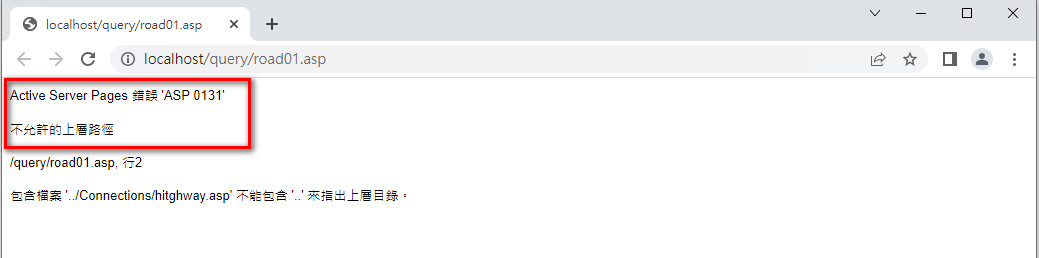
將網站的程式碼放在伺服器中,透過網站的IIS中測試,跳出下列錯誤訊息。
An error occurred on the server when processing the URL. Please contact the system administrator.
If you are the system administrator please click here to find out more about this error.

作業系統:Windows 10
解決方式:
步驟一、開啟IIS服務,選擇伺服器,點選「ASP」選項。

步驟二、選擇「偵錯內容」→「將錯誤傳送到瀏覽器」的預設Fasle改成「True」,即可解決上述錯誤訊息。

參考網址:網址一

留言
張貼留言